
Ohio VINE Coverage for Defiance County
The Corrections Center of Northwest Ohio posts an official Victim Notification page for Ohio VINE, explaining phone and internet searching plus registration by phone number or email for status-change notice. The page lists 1-800-770-0192. It also points to VINELink and the national state-selection map.
That is clear support for CCNO's role in the Ohio VINE process. The local page publishes no Defiance-only feed switch or county participation table. Search Ohio for the named person, then inspect the returned facility and identifiers rather than trusting county selection alone.
Ohio's own VINE material describes county-jail, Ohio Department of Rehabilitation and Correction, and youth/DYS coverage, with each record type reflecting a different custody state. A CCNO match points to participating jail custody. An ODRC match works differently. It concerns state corrections custody or supervision events. Neither one is a court disposition.
How to Check a Defiance Arrest on VINELink
Use identifiers from an official booking entry whenever possible. A name-only search can pull up several people, so check a regional jail record for facility and agency context.
- Open the official service. Go to VINELink or use the Ohio VINE phone line at 1-800-770-0192.
- Select Ohio. VINELink is organized by participating jurisdiction, so confirm the selected state before searching.
- Enter the person's name or accepted ID. Follow the interface prompts and use the CCNO booking number or another accepted identifier when offered.
- Review every likely match. Compare spelling, age or other displayed identifiers, facility, offender ID, and custody status.
- Open the matching record. Note the displayed status and the time context rather than treating it as arrest history.
- Confirm if timing matters. Call CCNO at 419-428-3800 or the responsible agency when a result is missing, unclear, or urgent.
The Defiance County recent arrest hub explains the booking report. It helps you follow court and case-number fields. VINELink answers a narrower custody question, and the official VINELink search screen supplies its state-based entry point.

This capture illustrates the start of the process, before any person-specific result is chosen.
What VINELink Shows After an Arrest
Think of a returned record as a custody-status tool. Interfaces vary across participating systems, but the official Ohio instructions back these uses and limits.
| Result element | How to use it |
|---|---|
| Name and accepted identifier | Distinguish the intended person from similar names and connect the result to a source record. |
| Custody status | Read the current participating-system status, then confirm urgent information with the agency. |
| Facility or agency | Check whether the result concerns CCNO, ODRC, DYS, or another participating Ohio source. |
| Release or transfer change | A covered event that can trigger a registered notification. |
| Notification option | Provides the path to register phone or email contact information. |
| Missing result | Does not prove no arrest; the record may be fresh, transferred, released, elsewhere, or outside coverage. |
VINELink does not replace the CCNO previous-day or previous-seven-day PDF. Those files capture a recent booking event. CCNO's active export lists people in custody at its "As of" time, while VINE tracks a participating status and can notify a registrant of change. The court supplies the legal case.
Register for Ohio Custody Alerts
Registration follows a successful custody search. Pick the actual matching record before adding contact details, so every notice ties to the right person.
- Choose notification registration. Use the result's available registration option or follow the prompts on the toll-free line.
- Select a channel. The official material describes phone and email, with SMS and TTY capabilities through the state service.
- Provide current contact information. An old number or blocked email can prevent a notice from reaching the registrant.
- Create a phone PIN. Phone registration requires a four-digit PIN. Keep it available but private.
- Respond to a call. Listen to the recorded message, enter the PIN followed by the pound sign, and the system will stop repeat calls for that notice.
- Review later messages. Email registration does not use the same phone PIN and sends an email for covered status changes.
County-jail alerts include general release, transfer, escape, and death. ODRC events cover a broader state-corrections path. Certain parole and transitional-control events qualify, and available notices depend on the participating record.
Note: Keep contact details current and register more than one supported channel when reliable notice is important.
VINELink Limits for Defiance Arrests
The official Ohio material describes no federal Bureau of Prisons or military feed. Federal custody questions belong elsewhere. The BOP locator, the U.S. Marshals Service, federal court, or the holding facility handles those. A federal-court entry may still appear at regional CCNO. That does not make VINELink a complete federal search.
VINE can lag a fresh arrest. Confirm a new booking through CCNO's official previous-day arrest route and the active-population timestamp. Call CCNO or the agency when the services disagree. A no-result can stem from a spelling mismatch. It could also mean a release, a transfer, or another facility. Or the record may not be available yet.
A notice reports a covered custody event and nothing more. It does not explain the court order behind it or guarantee any future location, so follow the docket or clerk for the legal outcome.
Alerts Differ From Defiance Booking Records
The local system runs in layers. The previous-day PDF flags recent processing. The previous-seven-day PDF widens the booking log. The active population lists whoever CCNO held at its "As of" time, while VINELink adds release or transfer alerts on top. Defiance Municipal Court or Common Pleas records carry the legal case and disposition.
That division keeps VINE useful after a booking surfaces. A static download never calls or emails when a covered status changes. An alert will not reproduce the charge table, explain a court ruling, or supply a booking photograph either.
Phone, Web, App, and TTY Access
Ohio VINE runs on several routes: the toll-free line, the website, and the VINEmobile app. The official brochure also lists TTY at 1-866-847-1298. These parallel paths help when one route fails. The VINELink home page also provides the nationwide state-selection fallback before an Ohio search begins.
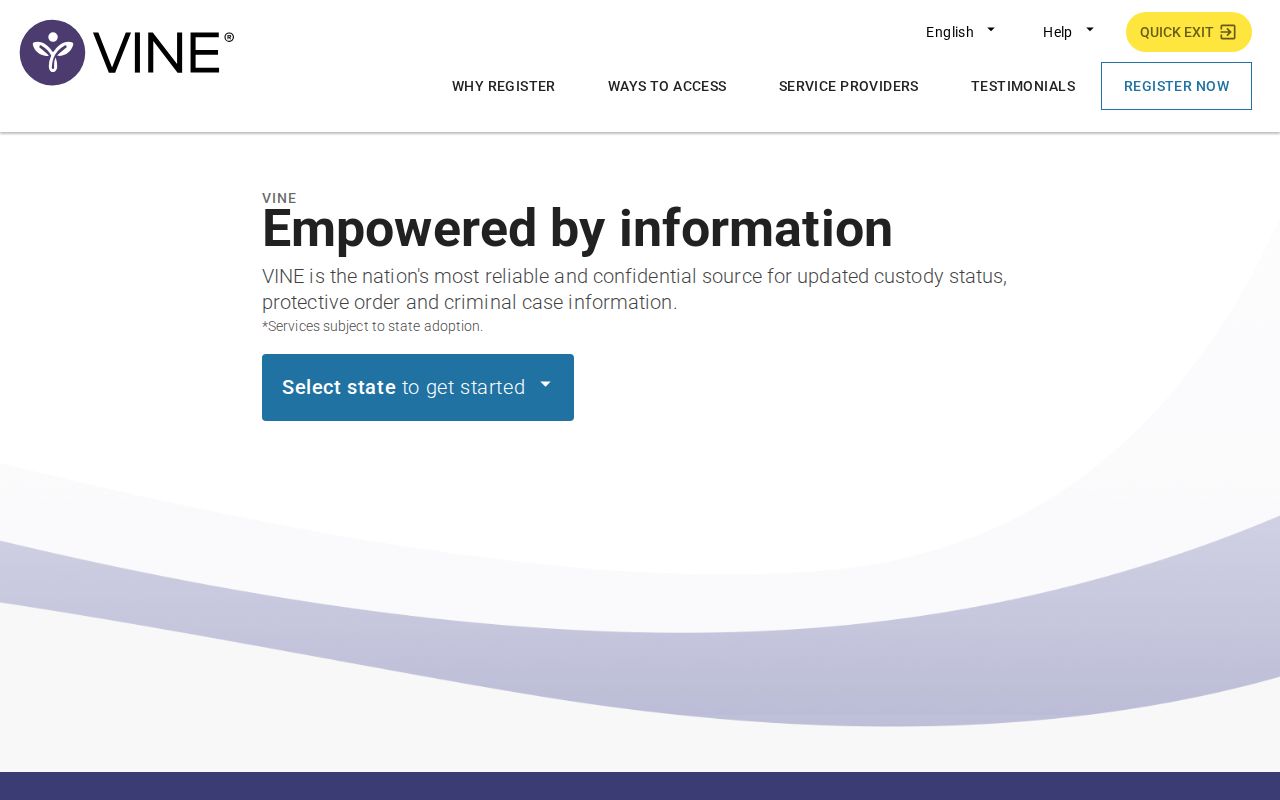
CCNO's local victim-notification page remains the best Defiance-area confirmation of how to enter the state service. The Defiance County Sheriff OH app is separate. It works as a public-safety and agency-information tool. Its description lists no VINE registration. No jail roster or booking-photo viewer appears there either, so those functions should not be credited to the sheriff app. Selecting Ohio and verifying the matching facility record still falls to the user.
When a Defiance Custody Alert Arrives
Write down what the alert tells you. Note the name, the event, the date, and the facility in the message. A release alert only says a participating source reported that covered change. It will not spell out the terms of release. It also won't explain the court outcome. A transfer alert means the person moved within the custody process. It does not mean the case is over.
Before you act, verify with the right office. Use a phone number you pulled from an official agency page you opened yourself. Never use one that arrived inside an unexpected message. CCNO can confirm regional jail custody. ODRC handles state corrections information. The clerk of court can speak to the case itself. In a true emergency, 911 is the right call.
Keep your registration details private. Never post them or hand out a phone PIN. Registration exists to give direct notice to the person who asked for it. Guarding the PIN stops anyone else from acknowledging a call. No one else can shut down your repeat notifications.